
If you created an expense by mistake and you need to delete it, you can easily do so by following the instructions below:
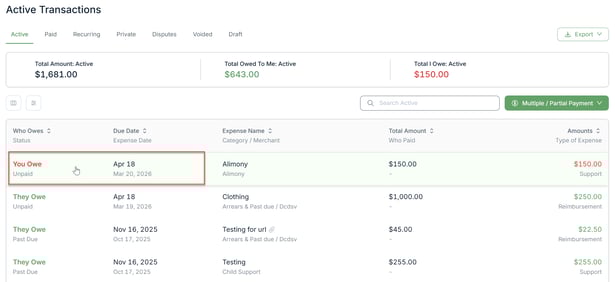
1. Go to Transactions on the left-hand side menu and select Active Transactions. Note: You can also select other category (paid, recurring, etc.)

2. Locate the expense you want to delete and click on it.
3. On the expense detail page, click on the red trash bin icon at the top right-hand corner of the page.

4. Confirm the deletion of the expense.

Once you follow these steps, the expense will be deleted. Please note that you can ONLY delete expenses that you created, and you can do this with any kind of expense (reimbursement, bill, support, recurring, etc.)
Should you have any questions, please don't hesitate to contact us at help@supportpay.com.