
If you've recently started using SupportPay to manage your family finances, you may have some data that you need to import into our platform. That's why in Supportpay you can import your expenses by following the instructions below:
1. Navigate to Transactions on the left-hand side menu and select Import.

2. Download the CSV template by clicking the Download Template button next to the type of expenes that you'd like to impor, and saving it on your device.
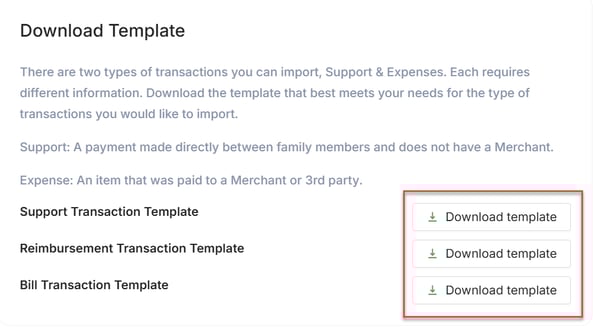
3. Open the CSV file, input your expense values, and save the changes.
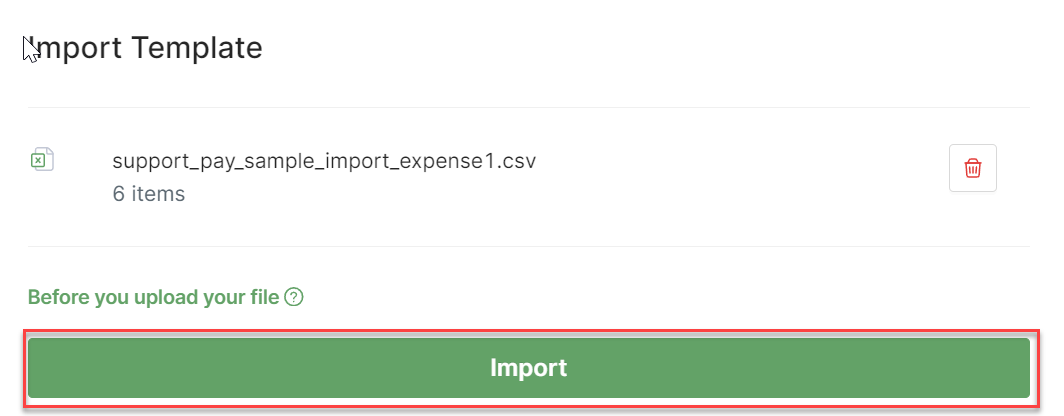
4. When prepared, upload the CSV file with your data in the Import Template section.

5. Finally, click Import to complete the process.
IMPORTANT: Before uploading your file, consider the following:
- Make sure your file is in .csv format
- Check that all required fields are included in your file
- Verify your information is in the correct format
- Make sure that you have only one worksheet in your file
- Ensure that your data don’t contain any special characters (including commas, dollar sign or other). For example: Comments should not contain text like “Expense on book, clothing” and amounts should not be entered with the currency symbol “$5.00”
Upon successful completion of the import process, you'll find your expenses organized in the Transactions section.
If you have any questions, or need us to import your expenses for you, please don't hesitate to contact us at help@supportpay.com.