
If you’re ready to start managing your family finances with SupportPay, you’ll first need to create an account. Follow the steps below to get started:
1. Go to my.supportpay.com/register and enter all required information. Once completed, click Create Account.

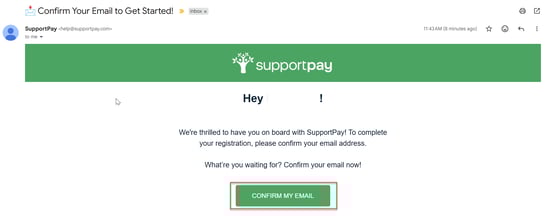
2. Check your email inbox for a message from SupportPay and click Confirm My Email to verify your email address.
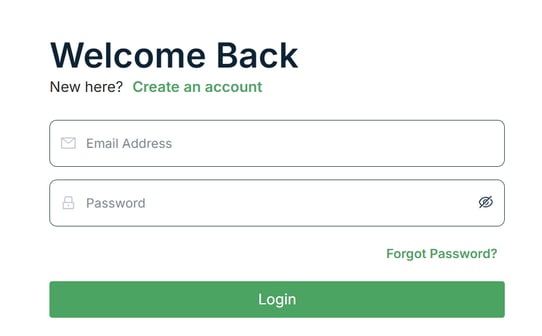
3. After confirming your email, enter your credentials in the login page, and click Login.
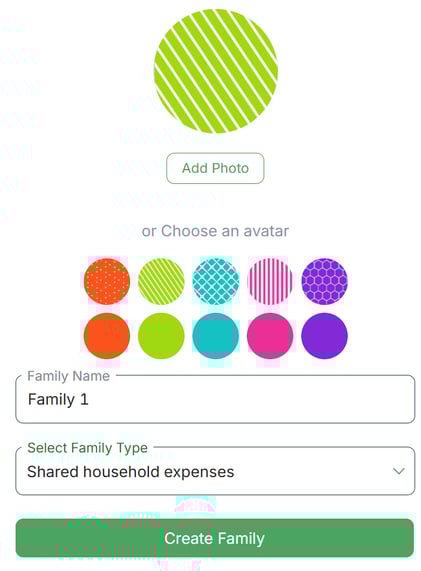
4. Enter your family name and select your family type from the dropdown menu. You can also upload a photo or choose an avatar. When ready, click Create Family.


5. On the next screen, click + Add Members to add family members.

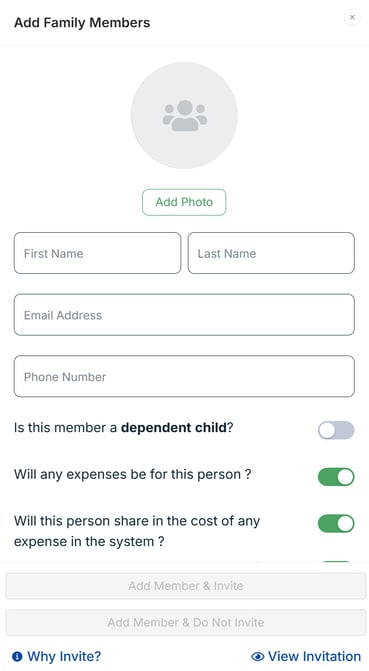
6. Enter the member’s details:
- If the member has an email address, click Add Member & Invite
- If not (e.g., a child or dependent), click Add Member & Do Not Invite
You can add as many members as needed.
7. Once you’ve added your family members, click Next.

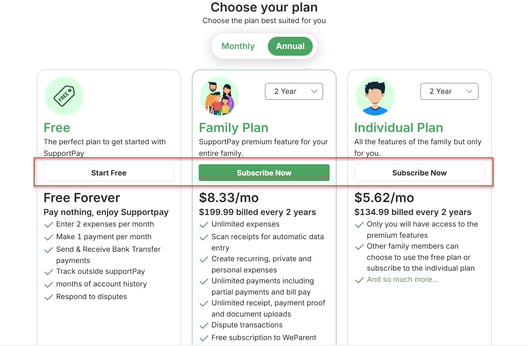
8. Choose a subscription plan. To access all premium features for you and your family, we recommend the Family Plan. Click the button for your preferred option.
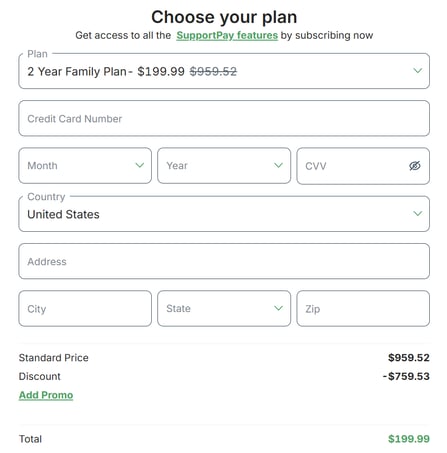
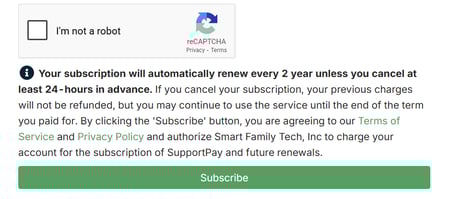
9. If you selected a paid plan, enter your payment details and click Subscribe.
You're all set! Your SupportPay account is now ready to use. If you have any questions, feel free to contact us at help@supportpay.com, and we'll be delighted to assist you.