1. On the left-hand side of the page, click on "Transactions" and then click on "Recurring".
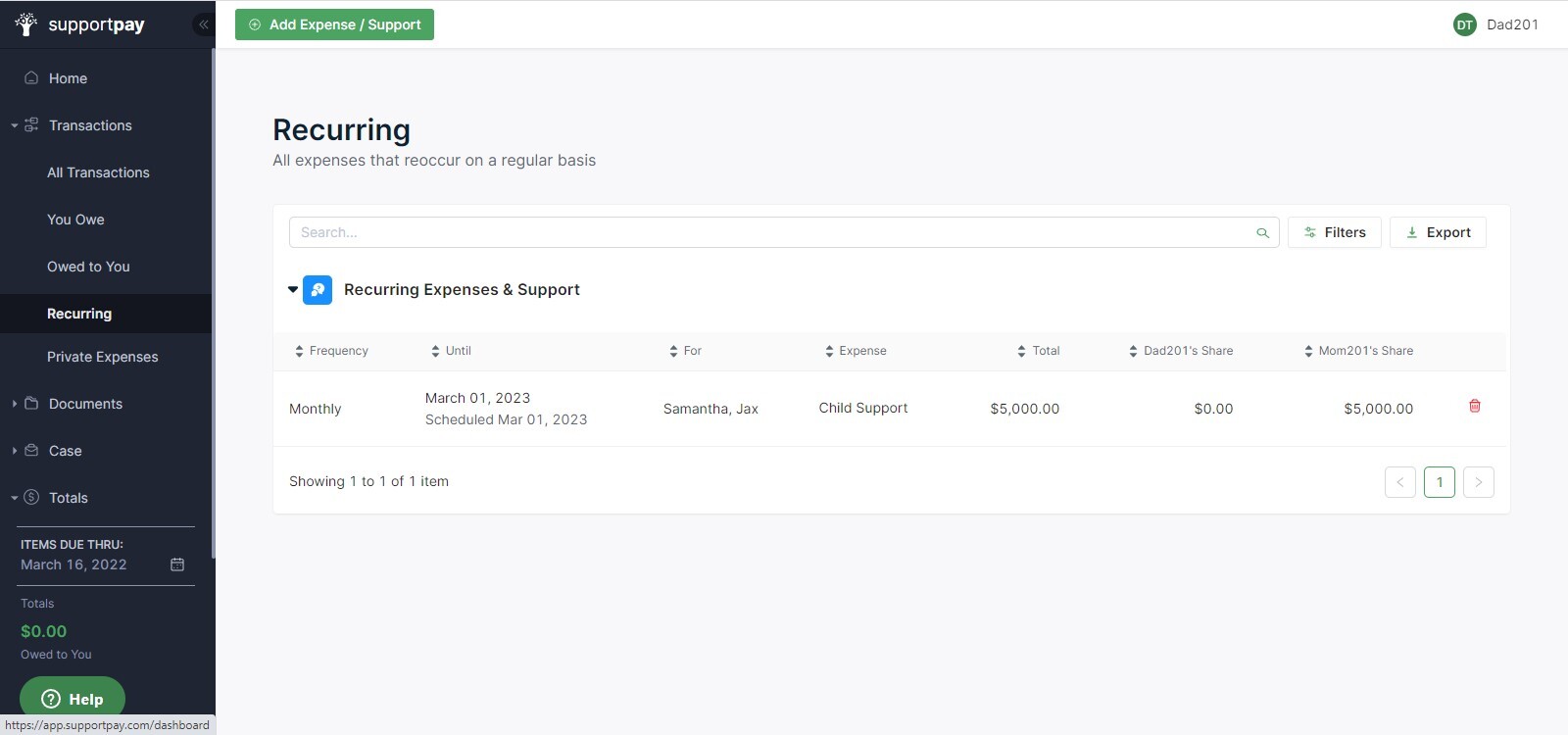
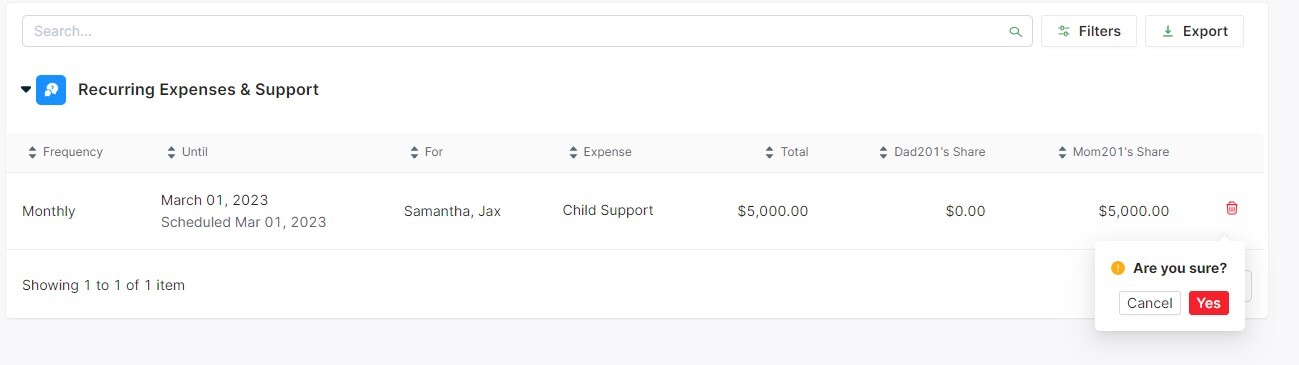
2. Once you are on this page, you will see a list of all the Recurring expenses you have entered. On the right-hand side of each Recurring Transaction, you will see a red trash can. Click it to delete each Recurring Transaction that you would like to remove.