
If you need to view, upgrade, or cancel your SupportPay subscription, this article is for you. You can easily view and manage your subscription by following the instructions below:
1. Click on your name at the top right-hand corner and select Subscription.

2. On the subscription page, you can perform the following actions:
2.1. Upgrade your subscription
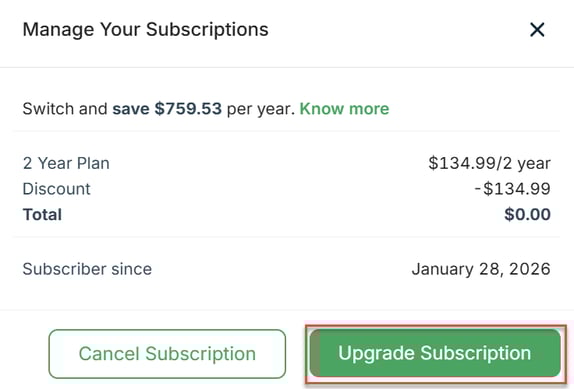
2.1.1 Click on the Manage button.

2.1.2 Click on the Upgrade Subscription button in the pop-up window.
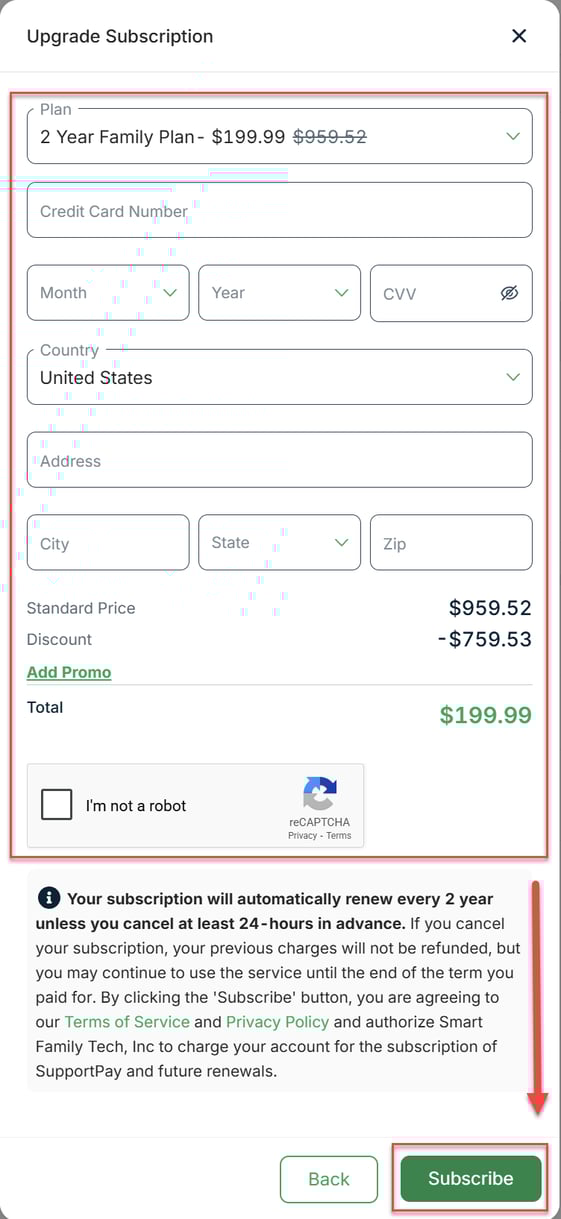
3) Select your new plan and enter all the required information. Once ready, click on Subscribe.
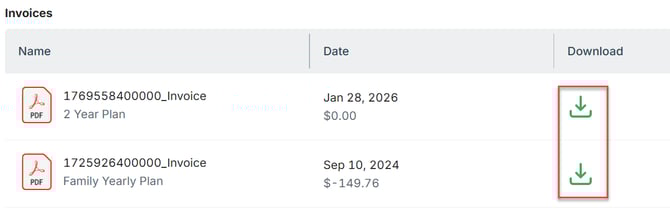
2.2 Download your invoices
On the subscriptions page, click on the download button next to the invoice you want to download.
2.3 Cancel Your Subscription
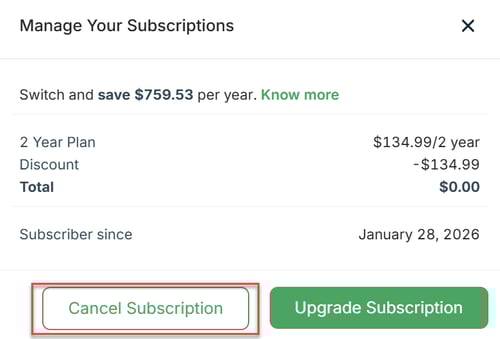
2.3.1 Click on the Manage button.
2.3.2 Click on the Cancel Subscription button in the pop-up window.
2.3.3 Let us know why you're canceling your subscription by selecting an option from the list. Once ready, click on the Cancel Subscription button. Pro Tip: If you change your mind and no longer wish to cancel your subscription, simply click on the Keep Subscription button.

Please don't hesitate to contact us at help@supportpay.com if you have any questions regarding this topic. We'll be delighted to help if that's the case.