
If you're looking to view or edit your personal information in SupportPay, please follow the instructions below:
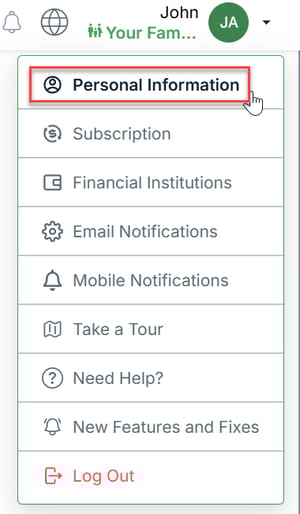
1. Click on your name at the right-hand top corner of the screen and select Personal Information.
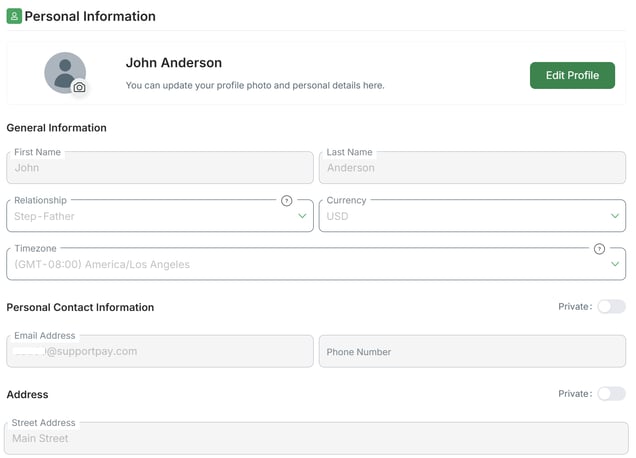
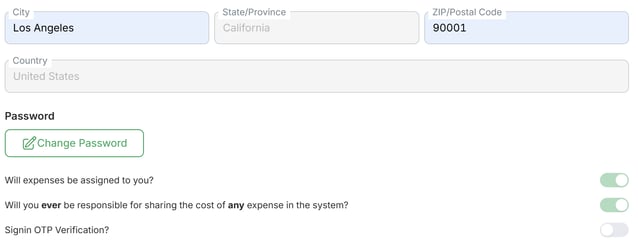
2. Once there, look for the information that you'd like to view or edit. On this page, you can view or edit your name, relationship to children, timezone, phone number, currency, address, etc.
Pro Tip: You can also update your password from this screen.
Should you have any questions about this section, please don't hesitate to contact us at help@supportpay.com, and we'll be delighted to help.